
Feature

Aug 18, 2025

You can now negate any route or passenger filter in a pricing strategy. This lets you target everything except a specific airport, country, distance, or journey property.
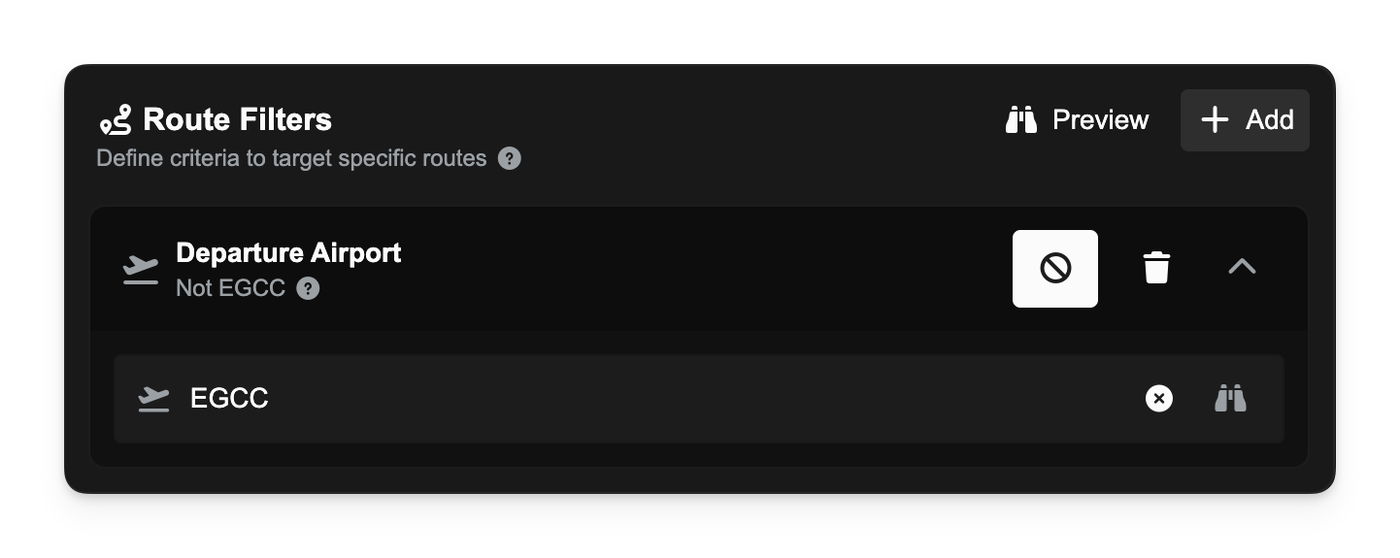
Pricing Strategy dialog showing a selected “Route departure airport = EGCC” filter with the new “ban” icon toggled on and chip text reading “Routes not departing from EGCC.”

Tap the ban icon on a filter to flip it. For example:

  • “Passengers going to KLAX” → “Passengers not going to KLAX.”
  • “Routes longer than 800 nm” → “Routes not longer than 800 nm.”
  • “First leg” → “Not first leg.”
    All summaries and inline details update instantly so you can see exactly what the strategy targets.
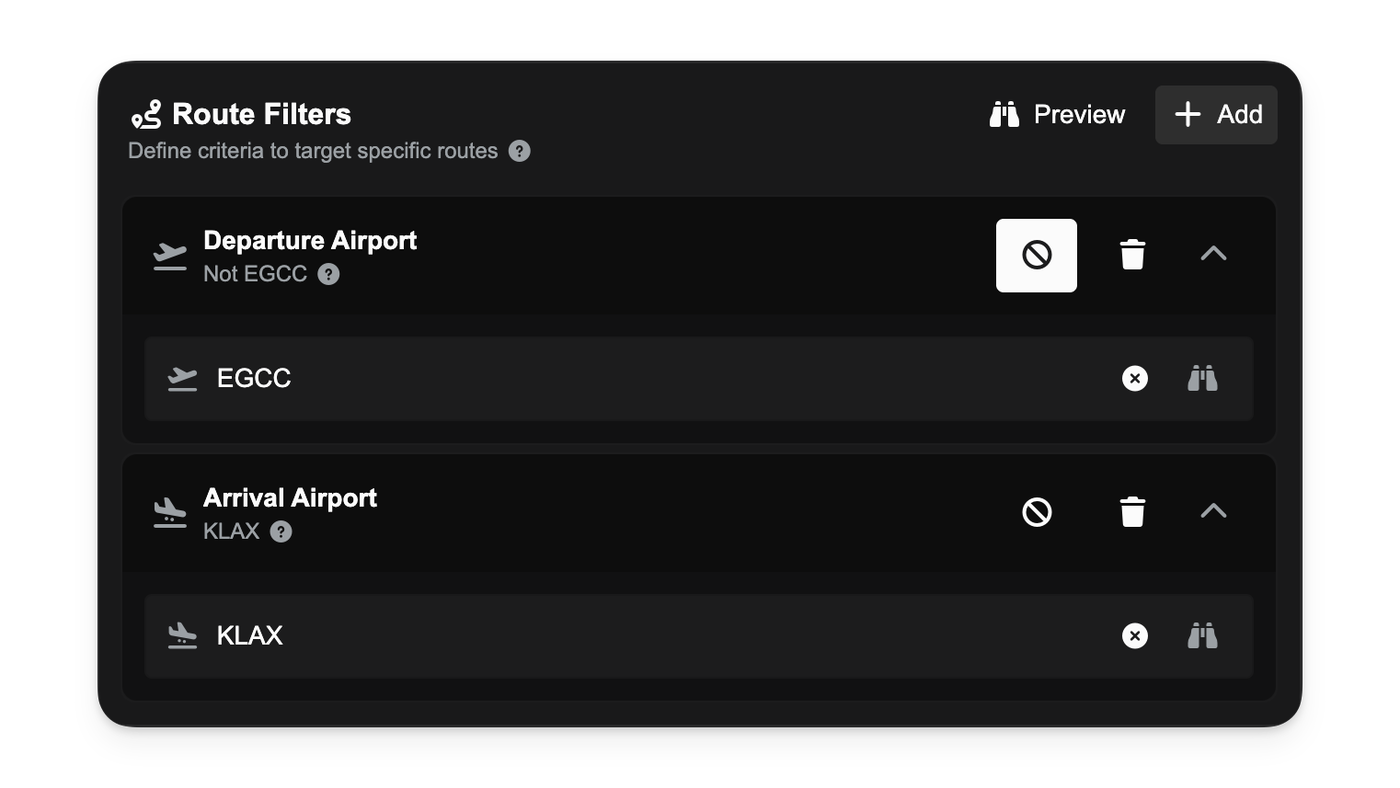
Filter chips for demand filters with one negated.

When a strategy includes negated filters, discounts will only apply if the selection passes every filter after negation.

Improvements

  • Clear, human-readable phrasing for negated conditions across airports, countries, distances, and journey flags in strategy chips and hover details.
Aug 17, 2025

New

  • The entire loan system has been overhauled to a more realistic reducing-balance model. Interest is now calculated each cycle on the money you still owe, making it fairer and more transparent. For more details, see our guide on Loans.,
  • Taking out a new loan is now easier with our new loan application dialog. As you adjust the loan amount and term, you'll see a real-time preview of your per-cycle payment (EMI), total interest, and total repayment amount.,
  • You can now make early repayments on any active loan. The new repayment dialog shows you a live preview of exactly how much you'll save in interest and how many payments you'll skip. Learn more about the benefits here.,
  • The Finance page has been updated with a new My Loans tab, providing a clearer overview of your active loans. Each loan now features a progress bar, detailed repayment status, and a direct link to make early repayments.

Subscribe