
Pricing Strategies: “Exclude” (Negation) for Filters
You can now negate any route or passenger filter in a pricing strategy. This lets you target everything except a specific airport, country, distance, or journey property.
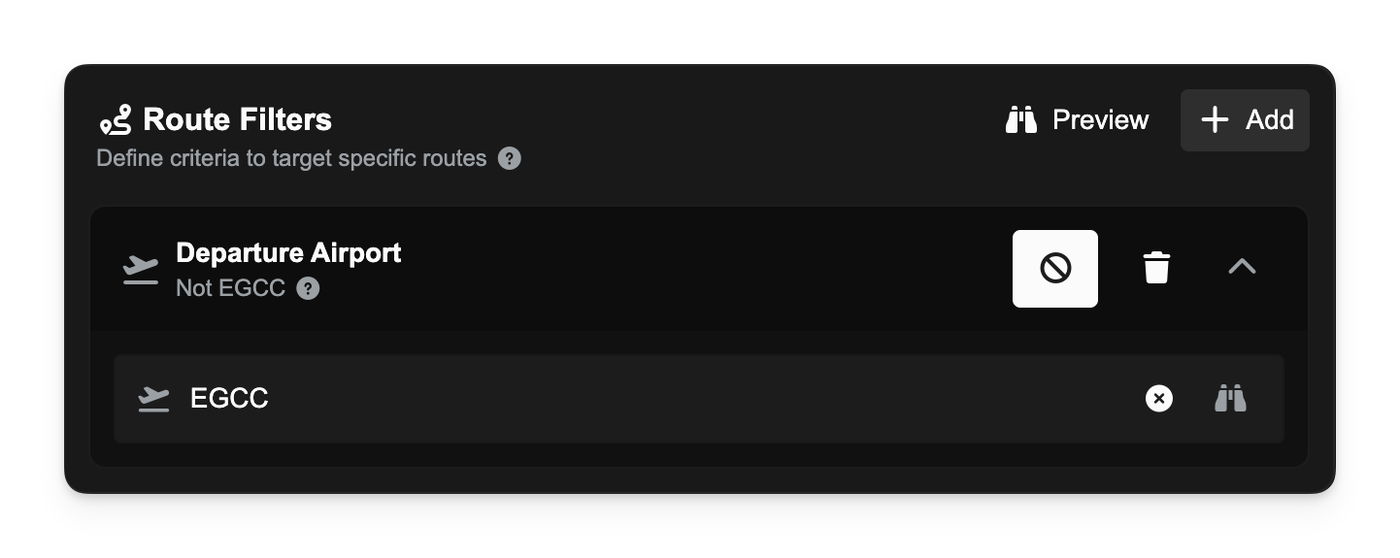
Tap the ban icon on a filter to flip it. For example:
- “Passengers going to KLAX” → “Passengers not going to KLAX.”
- “Routes longer than 800 nm” → “Routes not longer than 800 nm.”
-
“First leg” → “Not first leg.”
All summaries and inline details update instantly so you can see exactly what the strategy targets.
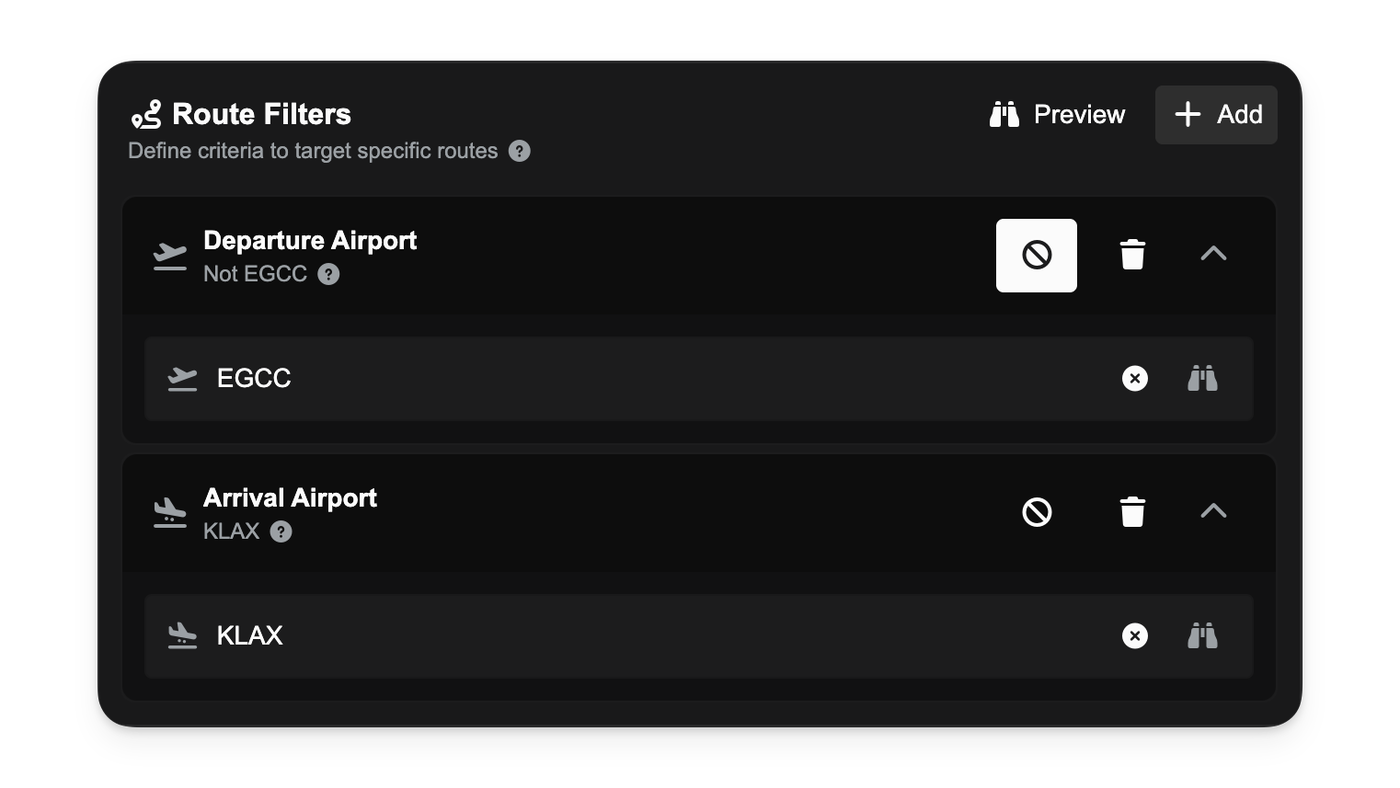
When a strategy includes negated filters, discounts will only apply if the selection passes every filter after negation.
Improvements
- Clear, human-readable phrasing for negated conditions across airports, countries, distances, and journey flags in strategy chips and hover details.