You can now navigate filter dropdowns using the Tab key without accidentally closing the menu. This makes it faster to work through multiple fields in one go and improves accessibility for keyboard users.
Smarter range inputs
Range filters now clean up your entries automatically. If you type values outside the allowed bounds, they’ll clamp to the nearest valid number. If you reverse the ends (like 80 to 20), the inputs will swap to the right order when you leave the field or press Enter.
Smoother dual-slider behavior
Dragging slider handles past each other no longer causes mid-drag flipping. The slider normalizes when you release, so it feels steady and predictable.
Improvements
Pressing Enter in a range filter now applies the current, recalculated values immediately.
Range inputs respect minimum and maximum limits and auto-correct on blur.
Fixes
Fixed cases where range filters could apply stale values when pressing Enter.
Fixed inverted or out-of-bounds range entries causing unexpected results.
It's now easier to explore different types of collaborative demand with two new demand filters.
The Internal Collaborative filter shows demand shared only within your company or its partnership. You’ll need to be a staff member of the company to access this view. This is useful when you're collaborating within a known network and need visibility into demand your partners have released internally.
The Public Collaborative filter shows demand released to the entire FSCharter network. This is the broadest level of sharing and allows any company to help fulfill routing opportunities.
These new filters offer better control and visibility over your collaboration settings and are designed to make cross-company coordination more streamlined.
You can now buy and sell used aircraft via the new Classified Marketplace. Companies can list aircraft for sale, including custom descriptions and optional images. Listings remain active until cancelled or purchased by another player. Once listed, aircraft are frozen and cannot be used for operations.
A new broker system also allows aircraft to be sold instantly at a discounted rate. The broker then resells these aircraft at a markup. This creates a fallback for sellers and a source of discounted aircraft for buyers. Premium users receive better broker rates.
You can sell any of your aircraft by selecting the aircraft in the Operations Cockpit and clicking Sell Aircraft from the context menu.
Find the demand you care about faster by narrowing results to specific departure and arrival countries. Open the Demand Lens and add filters to pick a country for where demand starts or where they end. This is ideal for questions like “show me demand for groups departing the US or arriving in Spain".
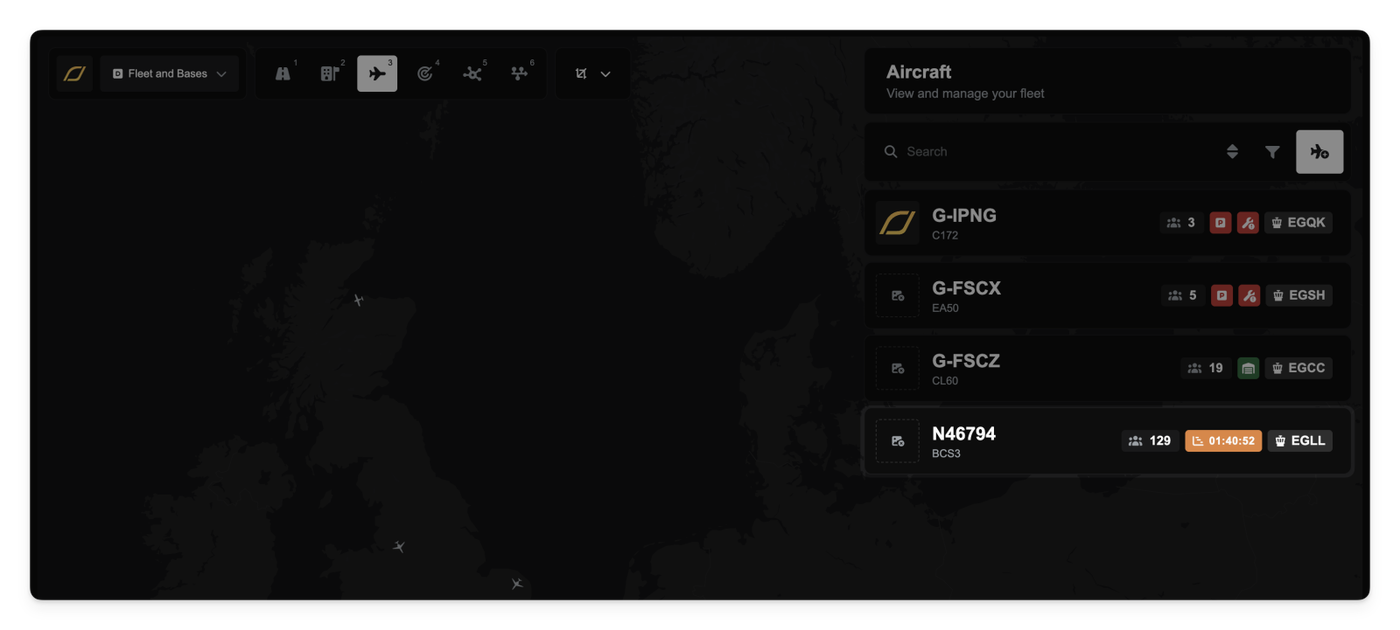
Aircraft can now be stored in hangars to eliminate parking fees and prevent unnecessary wear and tear. Any aircraft landing on a charter job will automatically check themselves into an available hangar, however you can manually move aircraft into and out of hangars using the building configuration page.
If no available hangar is available to automatically check into then a company notification is sent to inform managers of the situation.
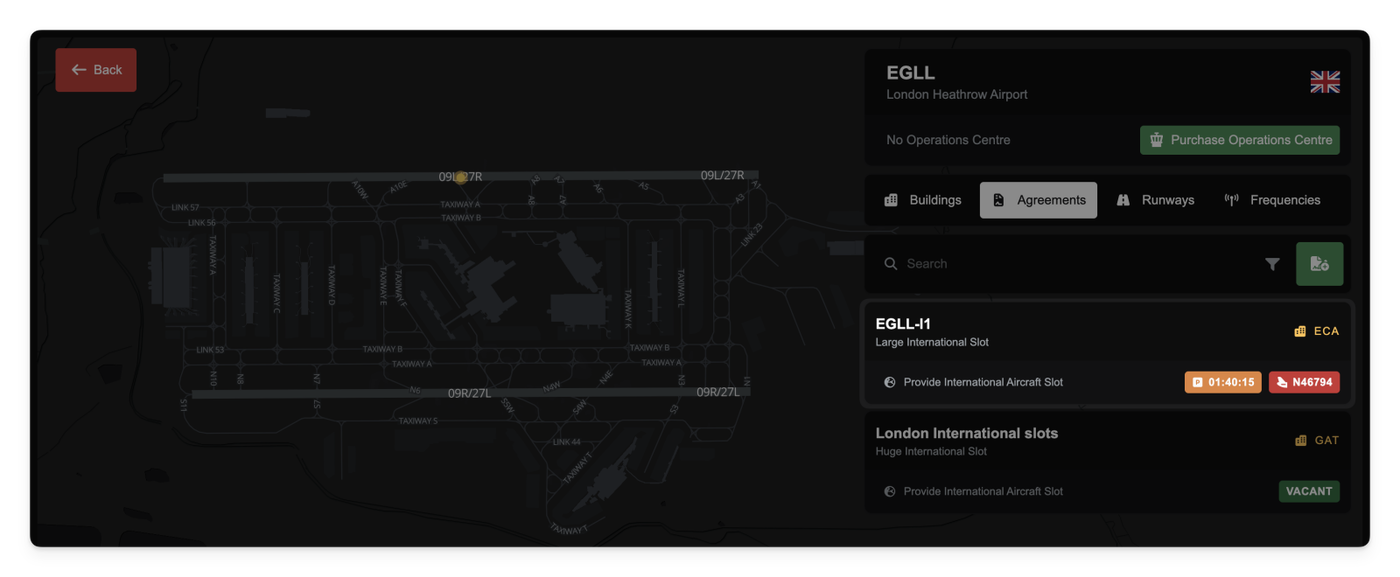
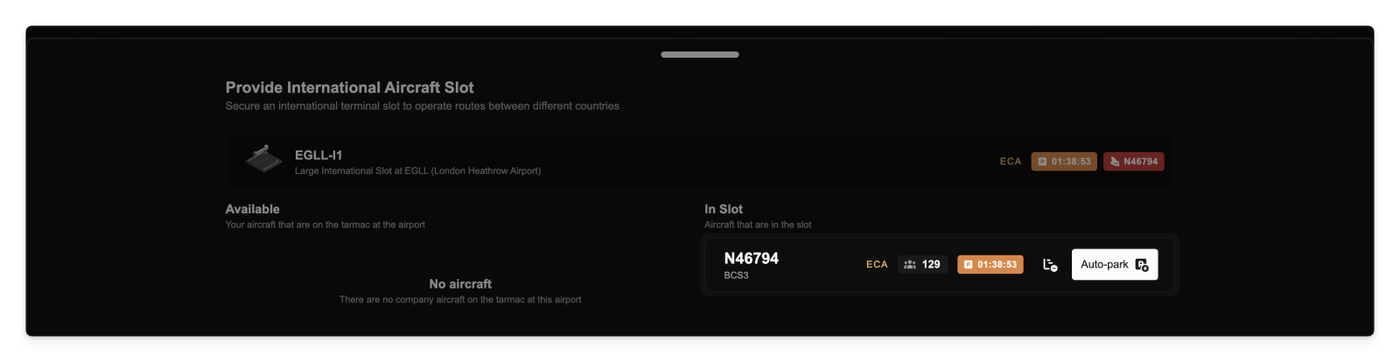
An upcoming update will introduce Slots, which will perform a similar role for route jobs and airliners.
Aircraft stored outside will degrade at a 0.1x rate, as per your company clock. Parking fees are currently charged at £5 per company-clock hour per MTOW of any aircraft left on the tarmac and are payable on boarding of the next job.
New
[Hangars] Hangars now protect aircraft from the elemets and eliminate parking fees.
Improvements
[Routes] The current demand numbers no longer disappear when demand pricing updates are pending. This makes it easier to compare before and after demand numbers.
[Operations Centres] Improved indicator dot visuals across the app for better clarity on operations centers and statuses.
[UI] Heading text now shows content when hovered to workaround a bug where the full title does not display in some browsers.
[Buildings] The list of building types to purchase is no longer paginated.
Resetting a job now keeps affected passenger groups correctly reserved when a follow-on leg already exists (for example, when an FBO auto-creates a final-leg charter after a route leg). This prevents rare re-accept errors and duplicate “first legs” from appearing.
Smoother hand-offs to final-leg charters
Accepting jobs now has better awareness of departure/arrival airports on collaborative and follow-on legs, improving how onward opportunities are created and displayed.
Improvements
Increased reliability when repeatedly accepting and resetting the same route without losing or duplicating passenger legs.
Better consistency when FBOs auto-generate final-leg charters from a route.
Fixes
Fixed an issue where resetting a job could incorrectly release a passenger group back to public demand, which then caused errors on re-accept.
Fixed a case that could make the system think a previously routed group was brand-new, leading to duplicate first legs.
The new Base Operations lens in the Operations Cockpit gives you a focused view of every airport where your company or partnership has ground operations. It replaces the legacy Operations Centres lens and is available from the lens bar or by pressing the keyboard shortcut 2. The dock lists your bases with an Operations Centre size badge and icons for buildings you can access at that airport, so you can scan capabilities at a glance.
When the Base Operations lens is active, both the map and the dock filter to your bases only. Because the lens draws from the same airport source as the main airport view, markers appear faster and tooltips behave consistently with the rest of the map. Opening the lens again later restores markers immediately without reloading a separate layer.
Selling Buildings
You can now sell buildings you own directly from the building row’s overflow menu in the airport context. If you have the Sell Buildings company privilege, the menu shows a live sale price; confirming the sale immediately credits your company bank account and refreshes your balance. The confirmation copy adapts to the current policy: 100% refund until September 1, 2025, then a depreciating refund shown as a percentage and the asset’s age in days.
Improved Building Prerequisites
Construction requirements are clearer and more intuitive. Some variants now check the airport’s size (small, medium, large). Others require an Operations Centre either at the same airport or anywhere in the same country, sometimes with a minimum OC size. If a requirement isn’t met, the message tells you exactly why - no guesswork. For example, Micro/Small hangars can be built based on airport size alone, Medium/Large hangars look for a qualifying OC somewhere in-country, and the Huge Hangar expects an OC at that specific airport.
Improvements
The red Back button in the airport context now hides while a sub-view (like purchase or upgrade) is open and reappears when you exit, reducing accidental navigation. Keyboard shortcuts were also streamlined: Base Operations is on 2, with other lenses shifted accordingly.
Fixes
Clearer error messages when an airport is too small for a variant, or when an OC of a specific size and scope is required.
Prevented selling an Operations Centre if doing so would break building requirements at the airport or anywhere in the same country.
You can now negate any route or passenger filter in a pricing strategy. This lets you target everything except a specific airport, country, distance, or journey property.
Tap the ban icon on a filter to flip it. For example:
“Passengers going to KLAX” → “Passengers not going to KLAX.”
“Routes longer than 800 nm” → “Routes not longer than 800 nm.”
“First leg” → “Not first leg.”
All summaries and inline details update instantly so you can see exactly what the strategy targets.
When a strategy includes negated filters, discounts will only apply if the selection passes every filter after negation.
Improvements
Clear, human-readable phrasing for negated conditions across airports, countries, distances, and journey flags in strategy chips and hover details.
Resolved an issue where the Accept Asset Transfers option in Company Settings could not be saved. This bug was preventing company mergers from being completed. You can now enable or disable asset transfers correctly, and mergers will proceed as expected.
The entire loan system has been overhauled to a more realistic reducing-balance model. Interest is now calculated each cycle on the money you still owe, making it fairer and more transparent. For more details, see our guide on Loans.,
Taking out a new loan is now easier with our new loan application dialog. As you adjust the loan amount and term, you'll see a real-time preview of your per-cycle payment (EMI), total interest, and total repayment amount.,
You can now make early repayments on any active loan. The new repayment dialog shows you a live preview of exactly how much you'll save in interest and how many payments you'll skip. Learn more about the benefits here.,
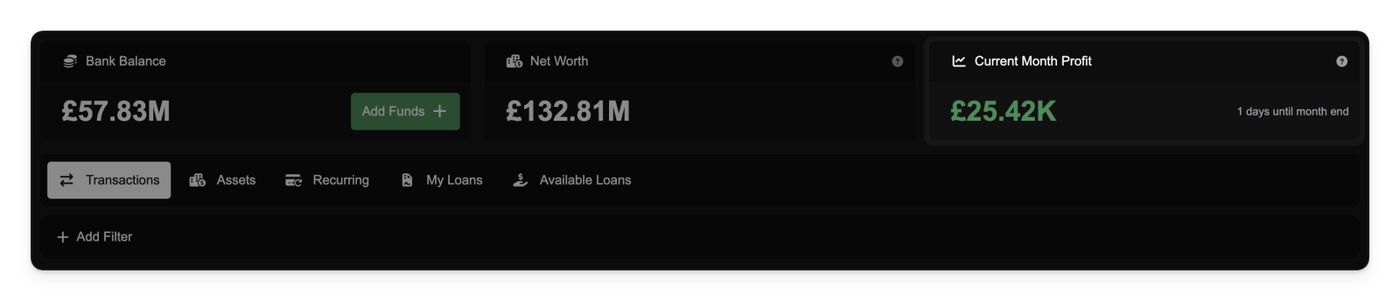
The Finance page has been updated with a new My Loans tab, providing a clearer overview of your active loans. Each loan now features a progress bar, detailed repayment status, and a direct link to make early repayments.