Nov 02, 2025

Unlimited Group Size

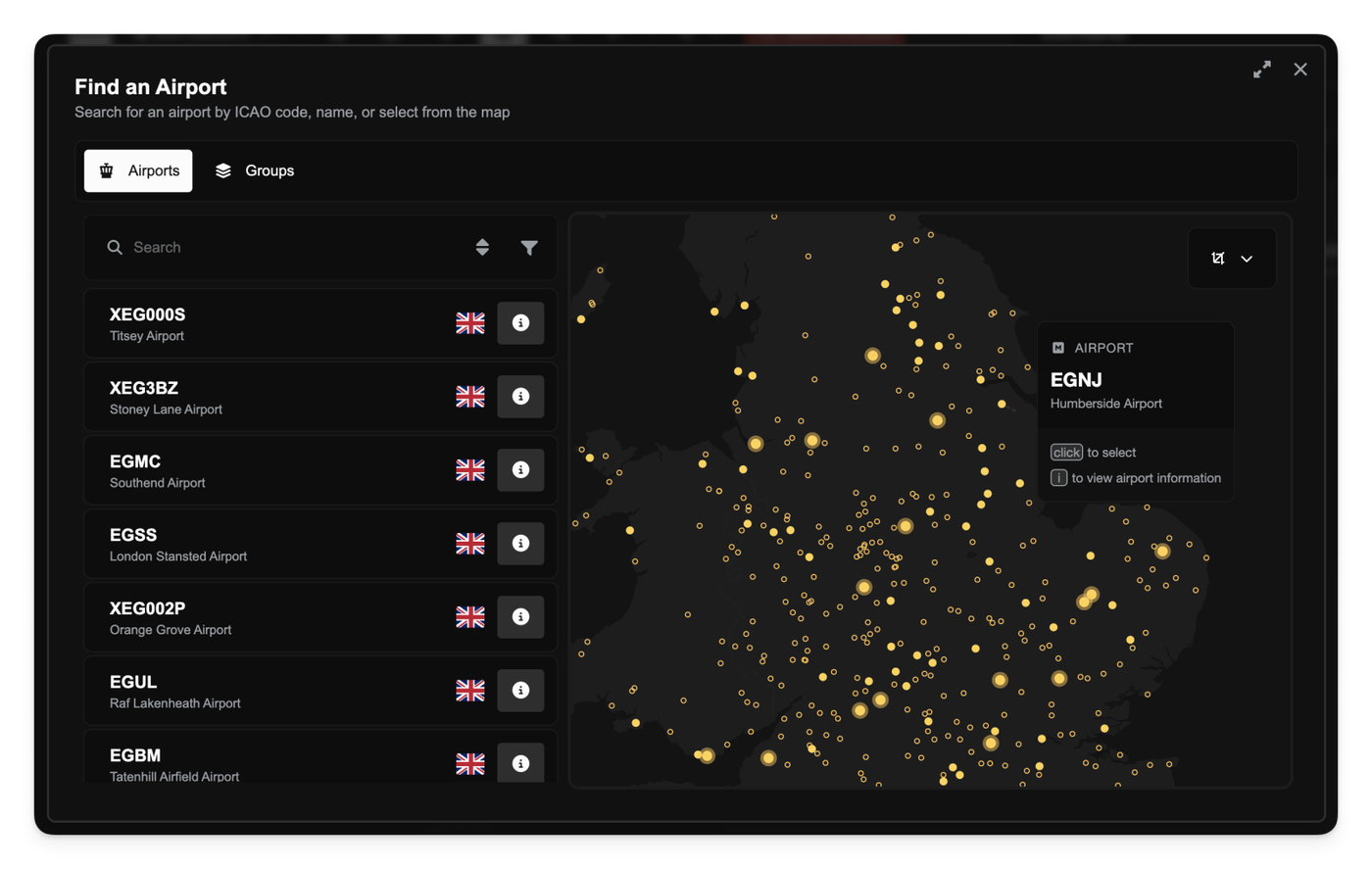
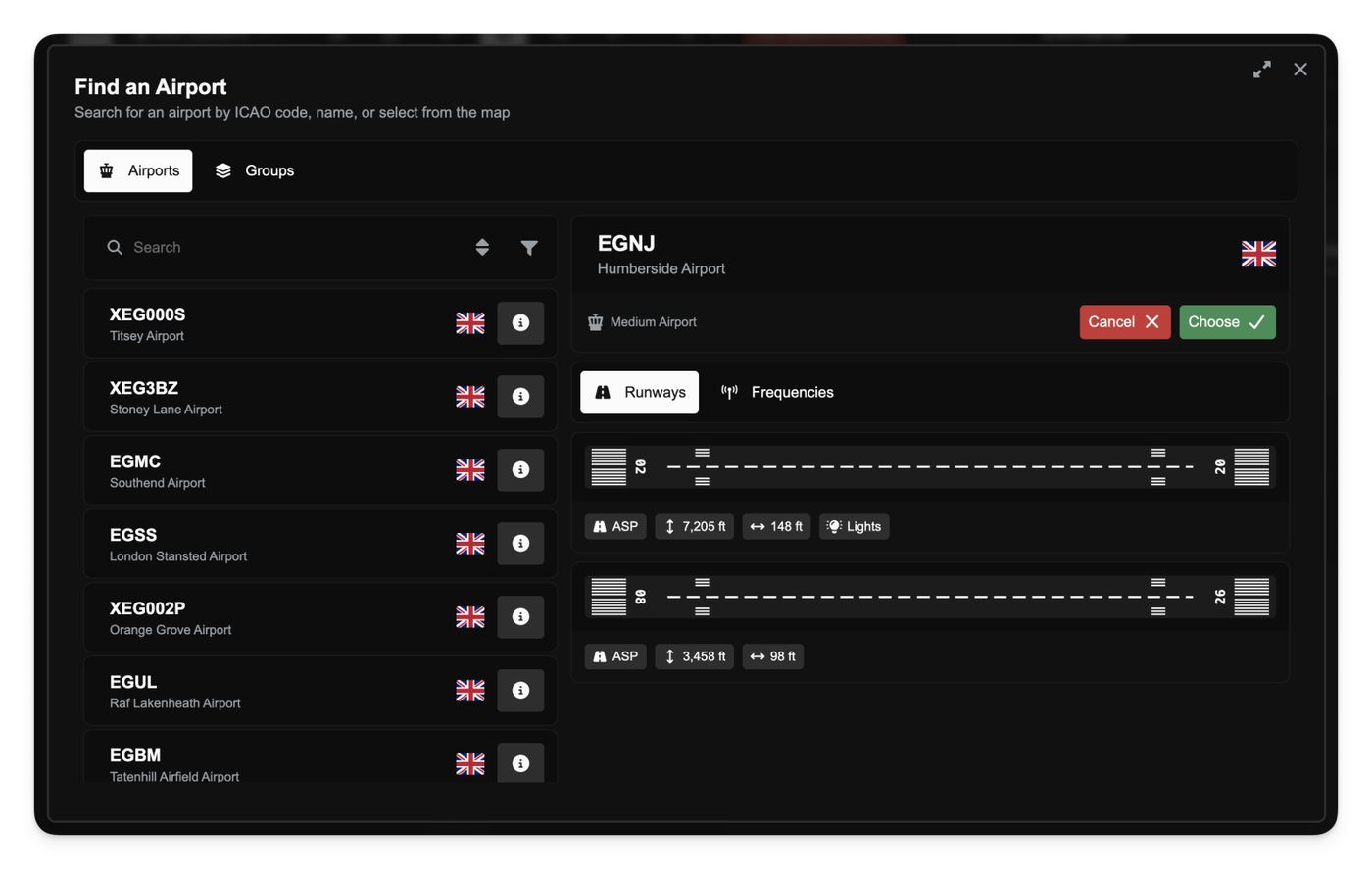
You can now add an unlimited number of items to your groups. We've removed the previous 10-item limit, making it much easier to manage large collections of aircraft, routes, or airports all in one place.

This change allows for much greater flexibility, whether you're building a "main hub" group with all your long-haul aircraft or a "regional" group with dozens of small airports.

Smarter Demand Previews

The "Preview Demand" button is now more responsive when you're planning routes.

Previously, if you changed the origin or destination airport, the button would disappear until you changed another field, like the price. Now, the demand preview immediately re-appears whenever you change either the departure or arrival airports, making it much faster to test and compare demand for different city pairs without extra clicks.

Other improvements

  • Fixed issues that could cause an error message when loading certain routes or aircraft in the Operations Cockpit.
  • Corrected flight logging to properly handle landings at unknown or unrecognised airports.
Nov 01, 2025

To align with recent changes to charter passenger limites, we've introduced new planning considerations and UI elements to help you manage your charter operations.

When building Dispatch Plans in the Operations Cockpit, you'll see a new Charter Passenger Capacity bar for each job. This bar tracks the passenger count on the job's busiest leg and changes color as you approach the limit—from green, to amber (at 80%), and red once you hit 20 passengers.

You won't be able to add more passenger groups to a job if any leg would exceed the 20-passenger limit.

The Auto-configure Jobs feature is now aware of this limit and will automatically split large passenger groups across multiple jobs to ensure you remain compliant.

Nov 01, 2025

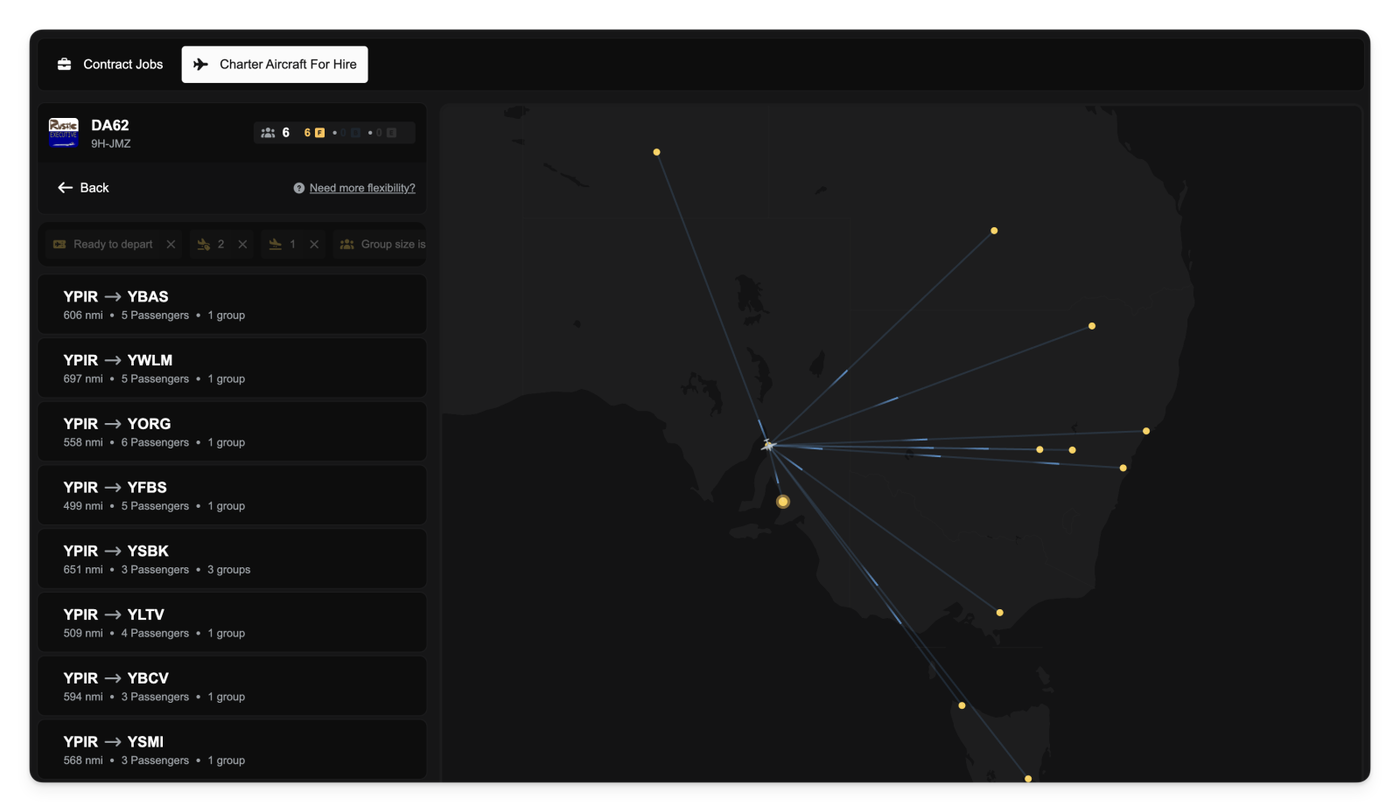
We’ve updated the rules for which aircraft can fly charter jobs, giving you more flexibility.

Previously, an aircraft was only eligible if its aircraft type had a maximum capacity of 19 seats or fewer. This meant many slightly larger aircraft were excluded from charter work, even if you configured them with very few seats.

Now, this restriction has been split into two new, more flexible limits:

  1. Configured Seats: Your aircraft's actual seat configuration (total of First, Business, and Economy) must be 20 seats or fewer.
  2. Aircraft Type: The aircraft's maximum type capacity (e.g., the airframe's limit) must be 40 seats or fewer.

This change means you can now reconfigure larger airframes (like a BBJ) for charter use, as long as you keep the configured seats at or below the 20-seat limit.

Aircraft types with a maximum capacity over 40 (like standard 737 or A320) remain ineligible for charters, regardless of their configuration.

Oct 31, 2025

Automatic AOC Upgrades on Merge

When you delete one of your companies and transfer its assets to another, the system automatically handles the fleet's legal requirements.

If the incoming fleet includes aircraft that are heavier than the receiving company's current Air Operator's Certificate (AOC) allows, the receiving company's AOC will be automatically upgraded.

For example, if you merge a company that owns a 777 into your new company that only has a Small AOC, the new company will be instantly upgraded to a Large AOC. The standard upgrade fee will be charged to the receiving company as part of the transfer, ensuring your new, larger fleet is immediately compliant.

Other improvements

  • Fixed an error that prevented departure slots from being correctly reserved when you accepted a route job that required a relocation flight. The slot will now be properly reserved for you and then automatically occupied when you board at the route's origin airport.
  • You can now log in using your email address with any capitalization (e.g., MyEmail@domain.com or myemail@domain.com will both work).
  • Fixed an issue that prevented using pushback on the second or subsequent legs of a multi-leg journey. You can now push back at the start of every flight.
  • The job status timeline now correctly displays its layout when a relocation leg is involved.
  • Corrected a bug where the boarding priority view was sometimes hidden incorrectly.
  • Fixed a potential error that could occur when loading an aircraft's details or live position on the map.
Oct 28, 2025

Small Improvements

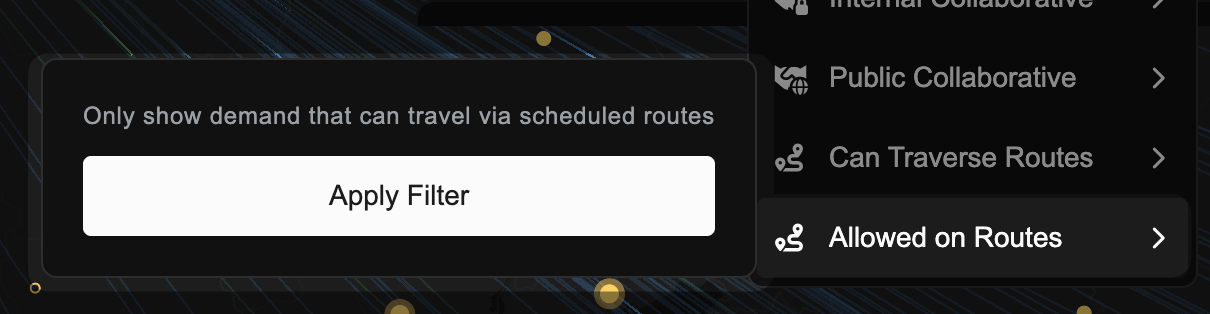
  • Fixed an issue where using the "Apply Filter" button inside a multi-select filter dropdown could sometimes cause other open filter menus on the same page to apply incorrectly.
Oct 28, 2025

We’ve rolled out a fundamental overhaul to the FSCharter economy, moving away from static prices to a dynamic system based on airport market value.

You’ll now find that the cost to purchase buildings (like hangars and service centres), establish operations centres, and sign new agreements (for slots and stands) is calculated dynamically.

This new pricing model means that operations at high-value airports in busy regions will be more expensive, while smaller, remote airports will be more affordable. This change also applies to all operational airport fees: landing, ATC, parking, passenger facility, and customs/immigration fees are now all based on the airport's market value.

Pro-tip: Due to this re-balance, many existing agreements (slots and stands) may now be cheaper. You may want to cancel your current agreements and sign new ones at the updated, lower prices.

Oct 28, 2025

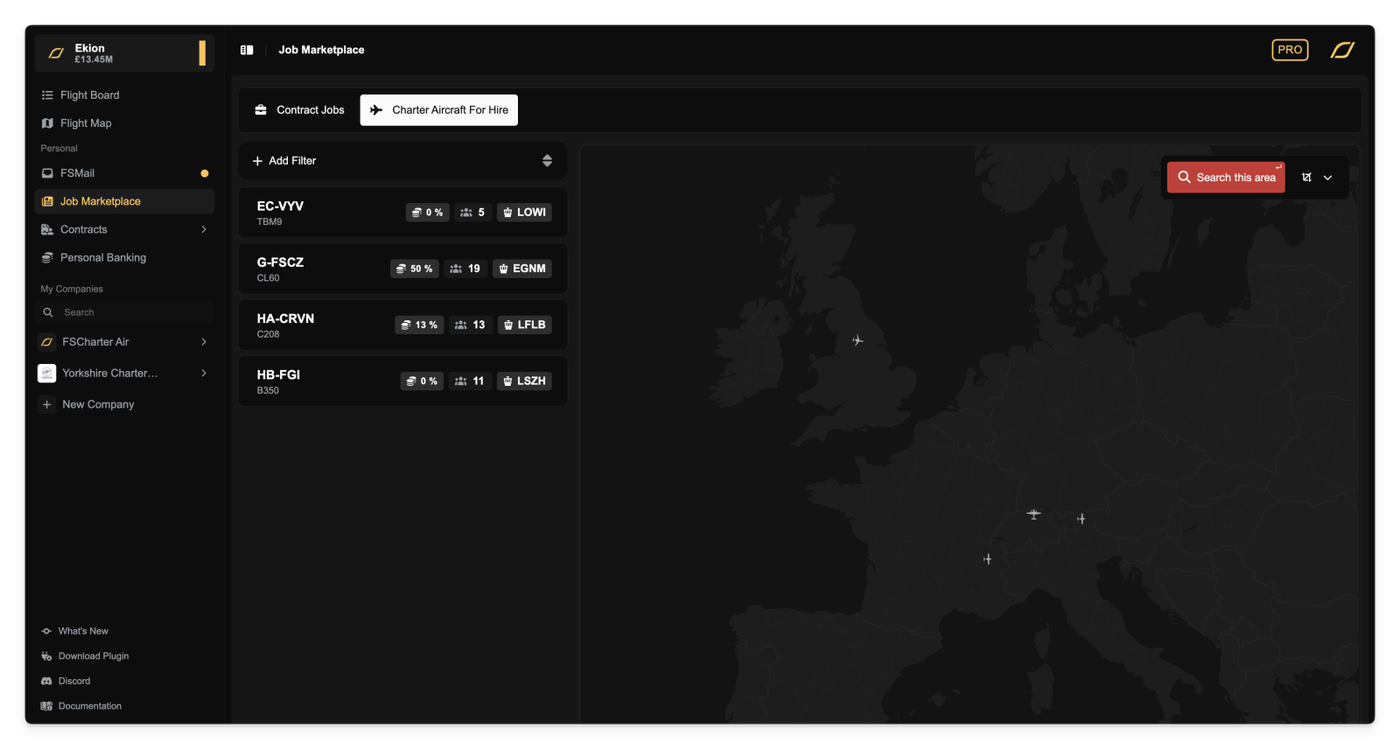
We've updated the logic that determines which aircraft are eligible to fly charter jobs. This change moves away from a complex set of aircraft category restrictions (like SEP, MEP, or BIZ) to a simpler, more consistent rule based on passenger capacity.

From now on, only aircraft with a maximum passenger capacity of 19 seats or fewer can be used for charter jobs.

This capacity limit only applies to charter jobs. Your scheduled route jobs and ferry flights are not affected by this change and can continue to use aircraft of any size.

Oct 27, 2025

To improve game balance and realism, we've updated the requirements for aircraft you can use to fly charter jobs.

From now on, only your aircraft from the SEP (Single Engine Piston), MEP (Multi Engine Piston), BIZ (Business Jet), and HEL (Helicopter) categories are eligible for jobs from the charter market. This means you can no longer use your regional (REG) or airliner (SRA, LRA) category aircraft for these types of jobs.

This change does not affect your scheduled route jobs, which can still be flown using any aircraft category.

When you check the list of valid aircraft for a charter job, you'll now see this new requirement. If an aircraft isn't valid, we'll show you precisely why.

Other improvements

  • Fixed an issue that could prevent the billing page from loading correctly in some cases.
Oct 25, 2025

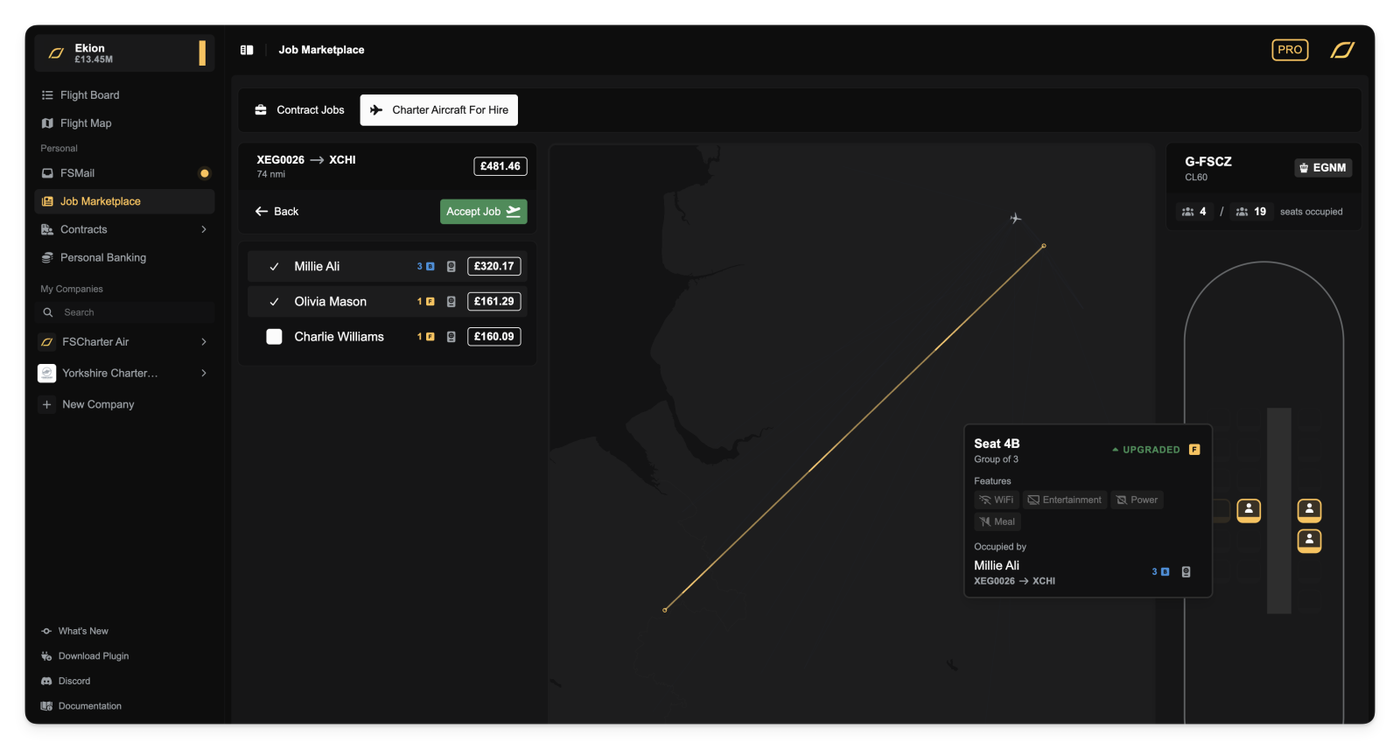
We've replaced the old, complex pricing for charter legs. The old legacy model was used when routing passengers in a Dispatch Plan and calculated a base fare on airport type and then blended it with passenger class and distance. It also used a complicated 'directional clamping' system that adjusted the price based on your proximity to the start or end of the overall journey.

While the breakdown for this was visible in the UI, the logic was often confusing and could lead to unpredictable payouts, especially on multi-leg flights.

This has been replaced with a new proportional contribution model that uses the same calculations under the hood as Routes. This makes charter pricing simpler, more transparent, and fairer, especially for multi-leg charters.

From now on, each leg of a charter is priced based on its contribution to the journey's progress. If a leg covers 30% of the progress toward the final destination, it will be allocated 30% of the remaining budget. The final leg of any charter automatically receives 100% of the budget that's left, ensuring the full job value is always paid out, and incentivises last-leg charter. If the passenger has managed to get most of the way on cheap routes, this effectively acts as a last-leg bonus for any charter company as they will be paid the remainder of the budget for that passenger, regardless of how far they flew them.

You can see this new pricing in action when planning your dispatch plans. In the 'Configure Legs' view, each stopover will now display its estimated price and its progress contribution.

We've also added a new pricing breakdown popover. This shows you exactly how the price was calculated, including the budget at the start of the leg, the proportion being allocated, and the remaining budget.

This new model also includes a 'fairness cap'. This prevents you from 'losing' pay on a later leg by re-routing an earlier leg. For example, if you re-route leg 1 to get much closer to the destination, it won't 'steal' the contribution (and pay) from leg 2.

Finally, the total calculated price for each leg of your job is now visible in the Job Information dialog, giving you a clear overview of your earnings per flight.

Other improvements

  • Fixed a bug that would show "Unable to get quote" error when trying to purchase buildings or sign agreements.
  • Fixed an issue where some legs were missing from the Job Information dialog.
  • Corrected revenue potential calculations in the Job Information dialog.
  • Reordered the columns in the Company Finance log to show 'Category' earlier.

Oct 21, 2025

We're introducing a new fees system and are moving away from flat rates for existing fees like parking fees to a dynamic model. Fees are now calculated based on airport size, your aircraft's weight (MTOW), and the services you use.

This overhaul affects everything from parking to passenger handling, with costs varying significantly between large international hubs, small local airfields, and heliports.

Size-Based Parking & Grace Periods

Parking fees have been updated to use this new system. You'll find that parking at a Large airport is more expensive per hour but includes a 3-hour grace period (up from 20 minutes). In contrast, Small airports and Heliports offer much cheaper rates and a more generous 4-hour grace period, making them more economical for longer layovers.

Passenger Fees: Departure & Arrival

We're introducing a Passenger Facility Charge (PFC), a per-passenger fee applied whenever passengers board or disembark an aircraft. Note that PFCs are only charged when passengers actually leave the aircraft. If they remain on the aircraft between job legs (or during a stopover) then they are not charged.

Airport Fees: Landing, ATC & Customs

When you land, several fees are applied based on the airport and job type. Landing, ATC, and Customs fees are all bundled as deductions from your final job payout, alongside the Arrival PFC.

  • Landing Fee: A per-tonne fee based on your aircraft's MTOW. This is only charged for charter jobs as the landing arrangements are included as part of your slot agreements.
  • ATC Fee: A flat fee for air traffic control services, which applies to all flights (including routes).
  • Customs & Immigration Fee: This is a per-passenger fee charged only on international flights when passengers clear customs at their final destination. If a passenger is disembarking your aircraft to wait in the terminal for a connecting flight they remain in the transit area and do not clear immigration.

Because of these fees, unscheduled stopovers now have a cost. When you perform an unscheduled landing at an airport that is not your destination you will be immediately charged for Landing and ATC fees. Crucially, landing fees are charged for stopovers on route jobs as you do not have a prior agreement with the airport to land. Passenger and customs fees are not applied, as passengers are not leaving the aircraft.

Other improvements

  • All new airport fees are now correctly included in your monthly profit and loss statements under the new Airport Fees category.
  • Fixed an issue where signing slot agreements for international routes at medium-sized airports would sometimes fail.
Oct 20, 2025

The Route Preview tool for pricing strategies now correctly displays routes when your strategy uses Airport Groups.

Previously, if you used an Airport Group (e.g., "All US Hubs") as a filter in a pricing strategy, the Route Preview map would show no routes, even when matching routes existed. We've fixed this, and the preview tool now correctly identifies these groups, fetches all matching routes, and displays them on the map as expected.

We've also improved the display for group-based filters. When you edit a pricing strategy, the input field will now show the group's name (like "All US Hubs") instead of its technical ID, making it clearer what you have selected.

Other improvements

  • Aircraft in the Classifieds listings now show a tail number badge, letting you see the aircraft's registration at a glance.
  • Adjusted the width of multi-select dropdown menus to better accommodate long items and prevent text from being cut off.
Oct 20, 2025

Small Improvements

  • Fixed an issue that could prevent the Agreements tab from loading if an agreement involved an aircraft that was for sale.
Subscribe