
Slot Status Badges in Operations Cockpit
You can now clearly see which aircraft are occupying temporary slots directly from the Operations Cockpit, thanks to new slot status badges.
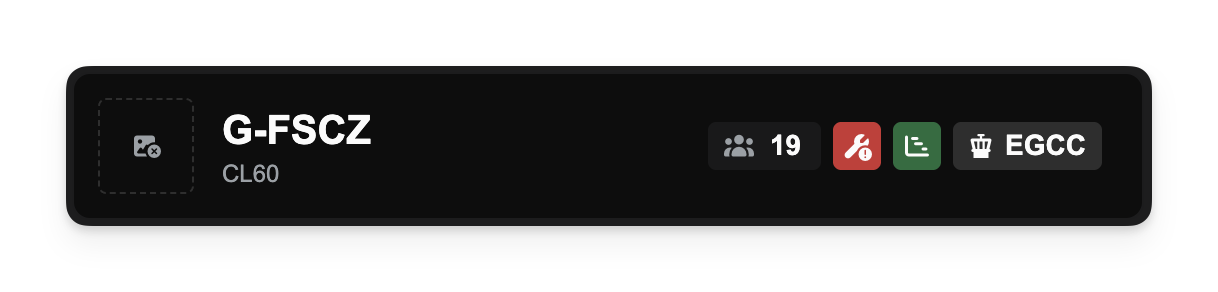
A new badge with a Gantt Chart icon now appears next to aircraft that are temporarily stored in a slot. These badges work just like those for stands and hangars - click them to view the associated agreement and owner information.
This visual cue gives you quicker insight into how your aircraft are positioned and helps you avoid surprises when managing limited capacity.
Other improvements
- All aircraft movement buttons (Hangar, Slot, Stand) now show loading indicators during processing, making it clearer when actions are in progress.
- Slot-related icons have been updated for visual clarity, distinguishing them from stand icons.
- Fixed layout inconsistencies in slot configuration dialogs to ensure consistent company ownership display formatting across building types.